

How to Replace Your GM Brake Pads Safely (and the Tools You’ll Need)
Safety Disclaimer
This article is provided for general informational purposes only and is intended for individuals with appropriate mechanical knowledge and experience. Working on your vehicle's braking system can be dangerous if performed incorrectly and may affect the safety and operation of your vehicle. Always consult your vehicle's owner's manual and follow all manufacturer-recommended procedures. If you are unsure about any step of the process, do not attempt the repair yourself. Instead, seek assistance from a qualified automotive technician. GM Outlet Parts is not responsible for any injury, damage, or loss resulting from the use of the information contained in this article.
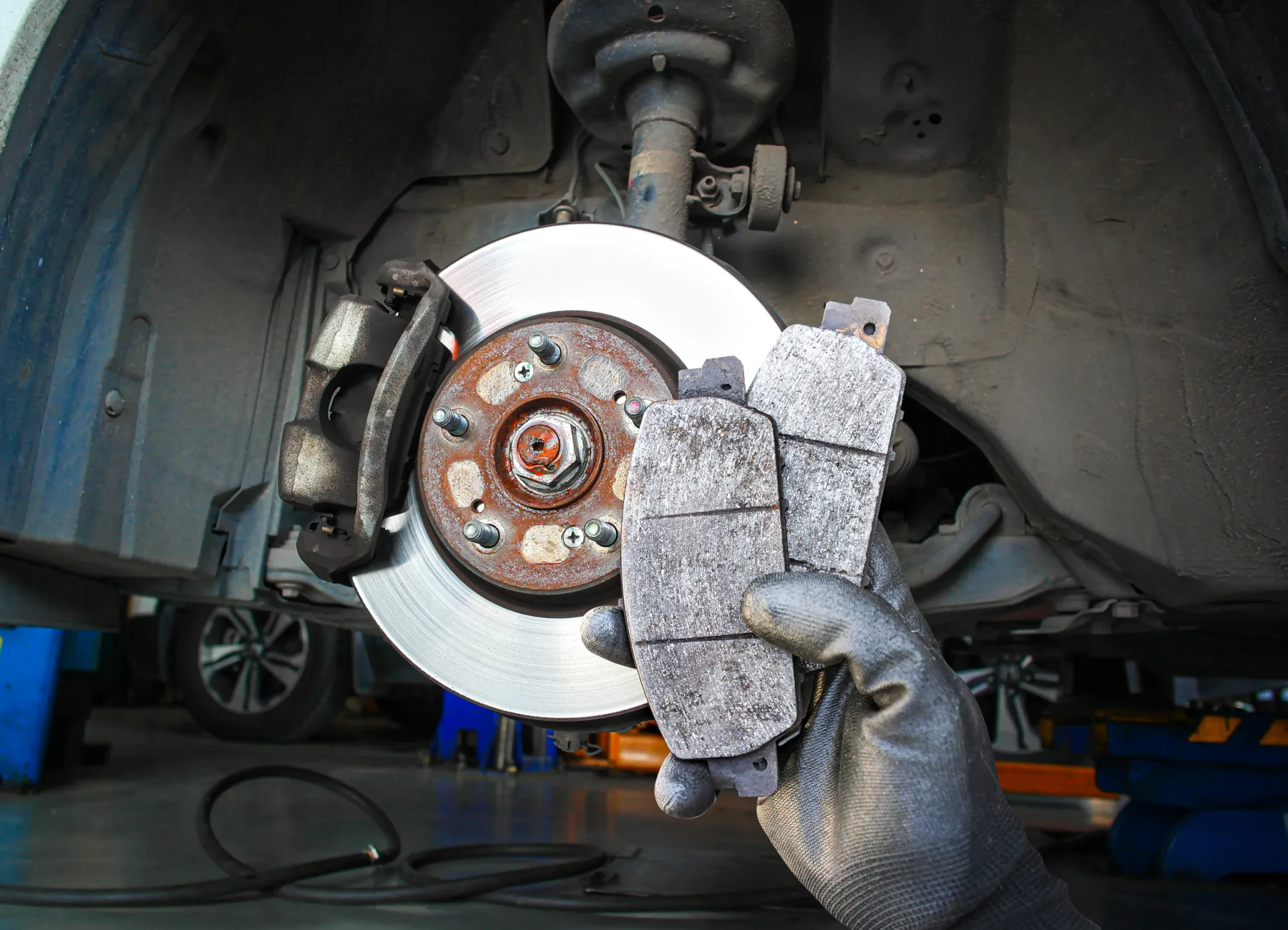
We can’t escape the fact that brake pads wear out over time, due to the friction between the pads and the brake rotors. You might hear a grinding, or squealing noise coming from the brake pads; or you might even feel that your car isn’t braking as it should. If any of these problems come up, it’s most likely that your GM brake pads need to be replaced.
If you replace your car’s GM brake pads by yourself, you can save a lot of money. With this GM article, learn how to replace your GM brake pads safely and securely at home; with step-by-step instructions and the genuine parts you’ll need.
How do you know your GM brake pads need replacing?
Here are some signs that your brake pads need replacing:
- Squealing or grinding noises when braking
- Brake warning light turns on in the dashboard
- Vibration or pulsing when you press the brake pedal
- Longer stopping distances than usual
- Visible wear through the wheel spokes
How to do a quick visual inspection yourself;
Inspecting the brakes without having to take the wheels off is always a good option, before deciding to replace them, if you haven’t seen or noticed any of the aforementioned warning signs.
Self-inspection works best on vehicles that have open, or spoke-type wheels, since these types of wheels allow you to see the brake rotors clearly. If your car has hubcaps, remove them to see the rotors through the holes in the wheel.
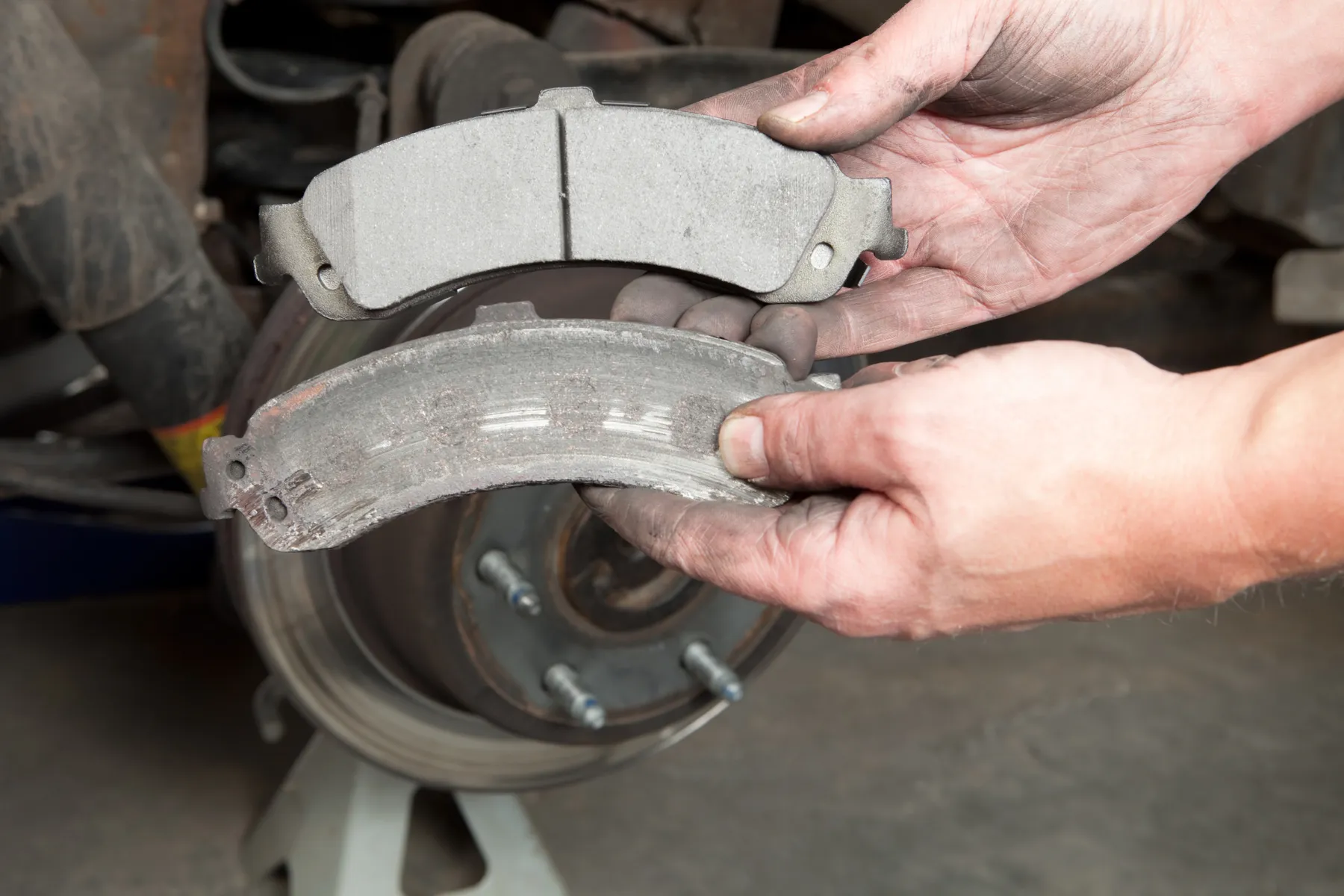
After removing the hubcaps, or if you can see through the wheels, check out the brake rotors and pads. If you can see the grooves on them, it means that the brake rotors and pads are worn out (See picture below).
If the brake rotors are blue, or gold, they have overheated. Make sure to wait for them to completely cool off and wear heat-resistant gloves before handling them.
Find out more information on how to check your GM brake pads.
Here is an example of a worn-out brake pad (lower) and a new pad (upper).
Tools you will need
- A car-jack and jack stands
- Lug wrench
- C-clamp or brake piston tool
- Socket set and wrenches
- Brake cleaner spray
- Rubber mallet
- Torque wrench
- Safety gloves and glasses
- Wire brush
Parts you will need
- Genuine GM brake pads
- Brake rotor inspection
- Brake caliper hardware kit
- Brake lubricant
Safety precautions before you start
To make sure that the GM brake pad replacement goes smoothly and safely, adhere the following safety measures:
- Always work on a stable surface
- Never go under a vehicle that is solely held up by a carjack. Use the jack stands to make sure the vehicle is properly supported.
- Make sure your brakes are completely cool before you start working on them.
- Wear safety gloves and safety glasses at all times.
- Never press the brake pedal, while the brake caliper is removed. This can damage the brake system (further).
With that said, you’re all set to get started!
Step-by-step GM brake pad replacement
- Loosen the lug nuts (wheel lug nuts) before jacking up the vehicle
- Jack up the vehicle, securing it on the jack stands
- Remove the wheel
- Inspect the rotor and caliper before removing anything
- Remove the caliper bolts, then slide the caliper off
- Remove the old brake pads from the caliper bracket
- Compress the caliper piston using a C-clamp
- Clean the caliper bracket with brake cleaner and a wire brush
- Apply brake lubricant to the contact points
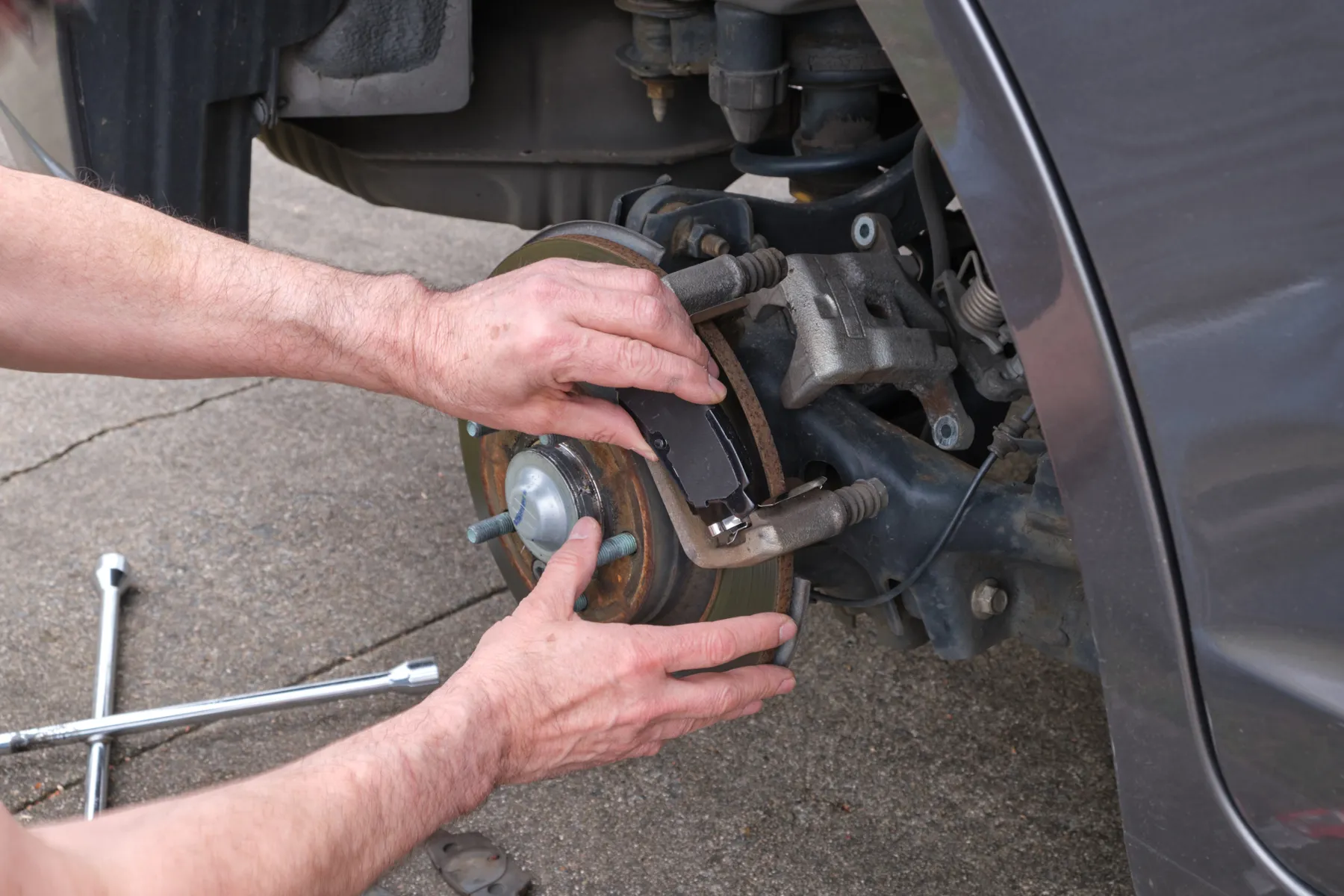
- Install the new GM brake pads into the bracket
- Reinstall the caliper over the new pads
- Torque the caliper bolts to GM specification
- Reinstall the wheel and torque lug nuts correctly
- Pump the brake pedal several times before moving the vehicle
- Test drive slowly and check for proper braking before hitting the road
Find all GM replacement parts in our website!
OEM vs aftermarket brake pads: Which should you choose?
OEM GM brake pads are the best fit for your GM vehicle because they are made and designed to fit and perform more efficiently every time.
Pricewise, OEM GM parts tend to be more costly, but offer consistency and reliability. Whether you are looking for better performance or a better price, the right choice for you depends on your budget and how important long-term durability is for you.
When to call a professional instead
- If you notice the rotor is deeply grooved or cracked
- If the caliper is seized and will not compress
- If brake fluid leaks are present
- If your brake warning light stays on after replacement
Schedule a service appointment with a trusted GM service partner
FAQ
How long does a GM brake pad replacement take at home?
Replacing the GM brake pads at home usually takes one to two hours for each axle, which is the front or the rear, for someone who has done this before. For someone new to this, it can take three to five hours. This is because it depends on how rusty the parts are, and how familiar you are with your vehicle. If you are replacing the pads and you have the tools and the vehicle is in good condition, it usually takes thirty to sixty minutes for each wheel.
How often should I replace my GM truck brake pads?
GM truck brake pads usually need to be replaced every 30,000 to 70,000 miles. If you drive a lot in the city or do towing, your brake pads won't last as long as they normally do. You should check your brake pads and brake rotors every 10,000 to 12,000 miles to make sure they are working correctly and avoid bigger problems later on.
If your brake pads are ¼ inch thick or have visible grooves, you should replace them. Also, keep in mind that GM truck brake pads are crucial for your truck and for your safety.
Can I replace just the front or rear brake pads?
Yes, it is okay to replace the front brake pads or only the rear brake pads. They wear out depending on the speed because of how your vehicle’s weight shifts when you brake. Usually, front brakes wear out faster than rear brakes.
It is very important to replace both brake pads on the axle at the same time.
This means that if you replace the front left brake pad, you must also replace the right front brake pad. You also must make sure your brakes work evenly to prevent one axle from wearing out first, so front and rear brakes must be balanced. If you are looking for the right GM replacement parts, explore genuine options today and ensure long-lasting performance.
Do I need to replace the rotors when I replace the brake pads?
When you put brake pads on your car without fixing or replacing the rotors, you could have big problems. Your car will not stop as well as it should, you will hear a squealing noise, and the steering wheel will vibrate a lot. The new pads will also wear down unevenly.
This happens because the old surface of the rotors is too rough, and the new brake pads cannot grip the rotors properly. This means you will not have control when you press the brake. It is very dangerous to drive like this because brake pads need a surface to work correctly.
How do I know which GM brake pads fit my truck?
To find the brake pads for your General Motors truck, you should use the Vehicle Identification Number (VIN) of your truck, you can find the VIN on the bottom right side of your vehicle’s windshield, in your truck proof of insurance certificate, and on the driver's door, you also need the year it was made, the make, the model and the type of brake package it has, like standard or heavy duty. You can find the type of brake pads you need at www.gmoutletparts.com
Not sure which brake pads are right for your specific vehicle? Enter your year, make, and model in the GM parts finder, and we will show you exactly what fits, no guesswork, no compatibility issues, just the right part the first time.
Safety Disclaimer
This article is provided for general informational purposes only and is intended for individuals with appropriate mechanical knowledge and experience. Working on your vehicle's braking system can be dangerous if performed incorrectly and may affect the safety and operation of your vehicle. Always consult your vehicle's owner's manual and follow all manufacturer-recommended procedures. If you are unsure about any step of the process, do not attempt the repair yourself. Instead, seek assistance from a qualified automotive technician. GM Outlet Parts is not responsible for any injury, damage, or loss resulting from the use of the information contained in this article.